
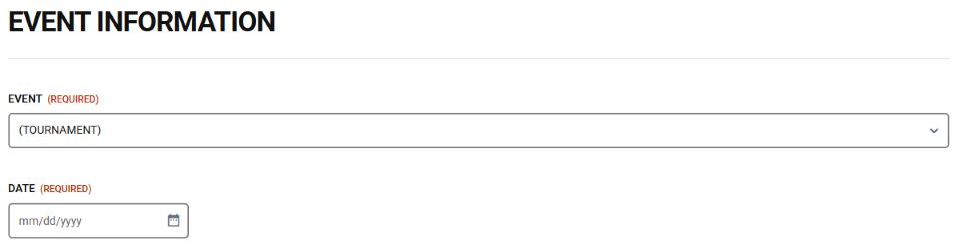
1. Choose your tournament
Open tournament registration using the link above. Select your tournament and enter its event date. Check the event announcement for the correct date and any deadline-based options.
TEAM RESOURCES
Everything you need to prepare, compete, and grow.
Follow the Home Campus instructions to get started.
Season not specifiedFOR WRESTLERS & FAMILIES
Find the right resource, check its season, and open it on your phone or computer.
New to the team? Open the Athletic clearance instructions in the Start here box above.
Type a word such as “gear” in Find a document. Search looks at the listing details, not the text inside the file.
Use Category to narrow the list to registration, gear, training, or Nutrition. Nutrition files appear after staff upload and approval.
Use Season and read the label on the document. Ask a coach before relying on an older or undated resource.
Tap Open PDF or Open Word. The file opens in a new tab or downloads, depending on your device. Use your viewer’s download or print option when available.
Choose Archive for replaced or archived versions. Return to Available resources for the main collection. Clear filters resets your search, category, and season within either view.
Nothing showing? Try Clear filters and Available resources. A category may be waiting for its first approved document. Use Contact the team below if you still need help.
Keep the link handy. Bookmark this page. Viewing does not require a login, and anyone with the link can open it. Uploading is for authorized staff; your username will be provided by Coach Ramos when requested.
VISITING COACHES & TEAMS
A quick guide to the FHS Tournament Registration form. Have your event details, coach contact information, team counts and roster ready.
Open tournament registration →
Open tournament registration using the link above. Select your tournament and enter its event date. Check the event announcement for the correct date and any deadline-based options.
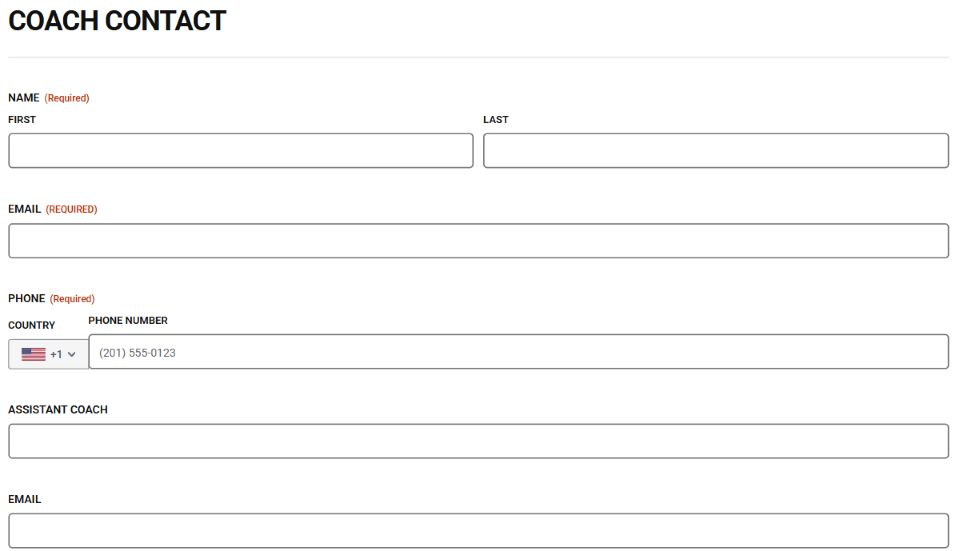
Add the coach’s first and last name, email and phone number. Add assistant coach details if applicable. Use an email you check regularly.
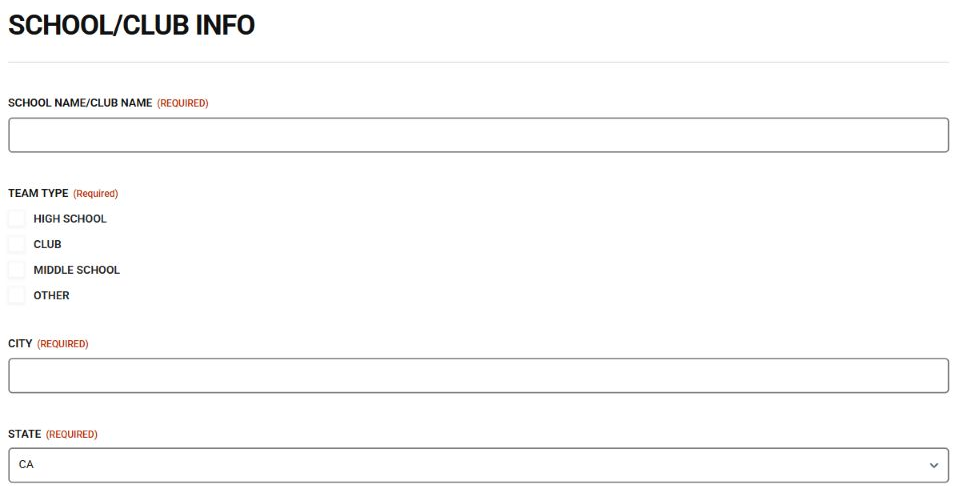
Enter the school or club name, choose the team type, and add the city and state. Then select the participating divisions and enter the total number of wrestlers (at least one).
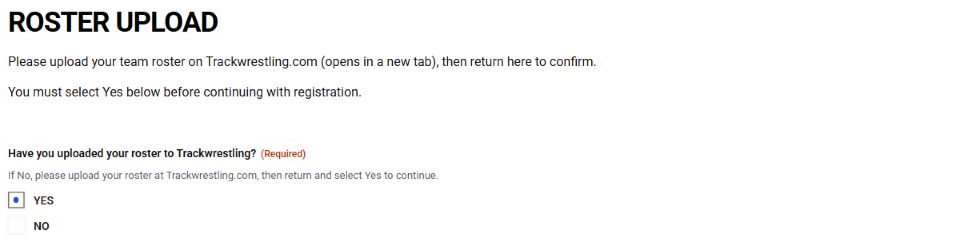
Upload your team roster through Trackwrestling using the link in the form. Return and choose Yes only after uploading. Payment and Submit remain hidden until Yes is selected.
Select your intended payment method and complete the fields that appear. For a check, choose in person or mail and follow the instructions. For a card, complete the card fields. Review all quantities, fees and the total before selecting Submit.
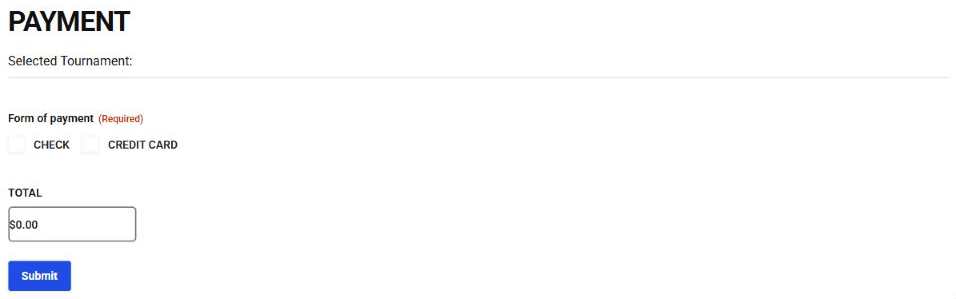
Wait for the on-screen response. If required fields are flagged, correct them and try again. Save the confirmation if one is shown. If the total looks wrong or you are unsure whether submission worked, contact the tournament team before submitting again.
Screenshots show example form states, not a completed registration. Event choices and fees may change; follow the current form. No Forms Center staff username is needed for this registration form.
Need help? info@folsomhighwrestling.com
Check the season on each document. Previous-season resources remain available until updated by staff.
Team rules and expectations for wrestlers.
Gear checklist for boys’ wrestling.
Gear checklist for girls’ wrestling.
Team match-day details and preparation.
A guide to the flow of a wrestling match.
Foundational technique reference · Version 1, November 21, 2025.
Mental visualization resource · December 5, 2025.
Mental preparation resource in an editable Word document.
Team hygiene guidance and skin infection prevention.
Nutrition resources will appear here after staff upload and approval.
Try another search, category, or season.
COACHES & HELPERS
Tried the new features? Tell us what works, what is confusing, and what we should add next.
Give website feedback