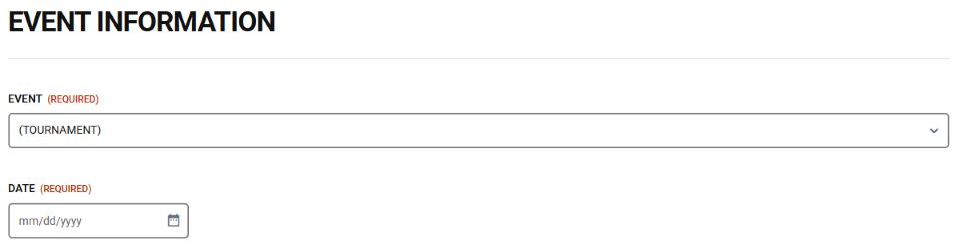
1. Choose your tournament
Open tournament registration using the link above. Select your tournament and enter its event date. Check the event announcement for the correct date and any deadline-based options.

VISITING COACHES & TEAMS
A quick guide to the FHS Tournament Registration form. Have your event details, coach contact information, team counts and roster ready.
Open tournament registration →
Open tournament registration using the link above. Select your tournament and enter its event date. Check the event announcement for the correct date and any deadline-based options.
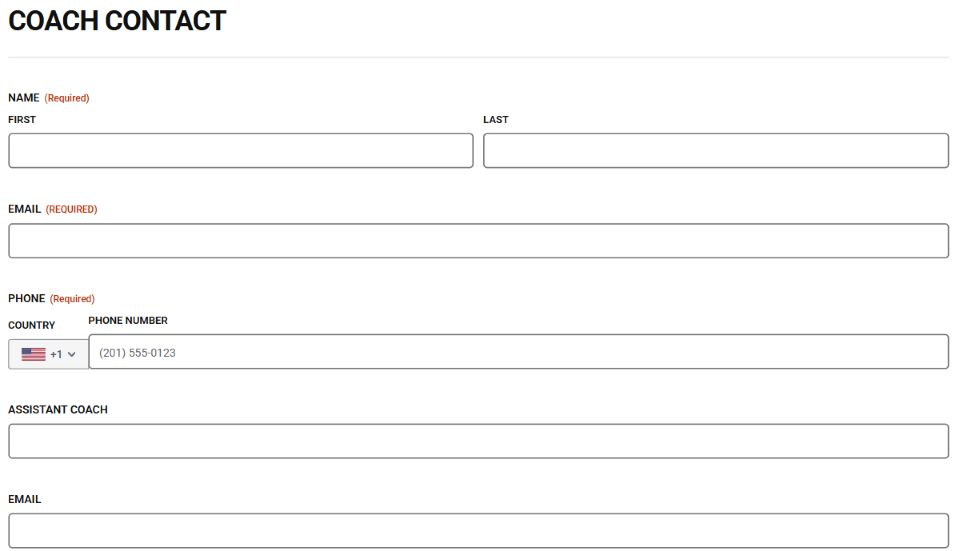
Add the coach’s first and last name, email and phone number. Add assistant coach details if applicable. Use an email you check regularly.
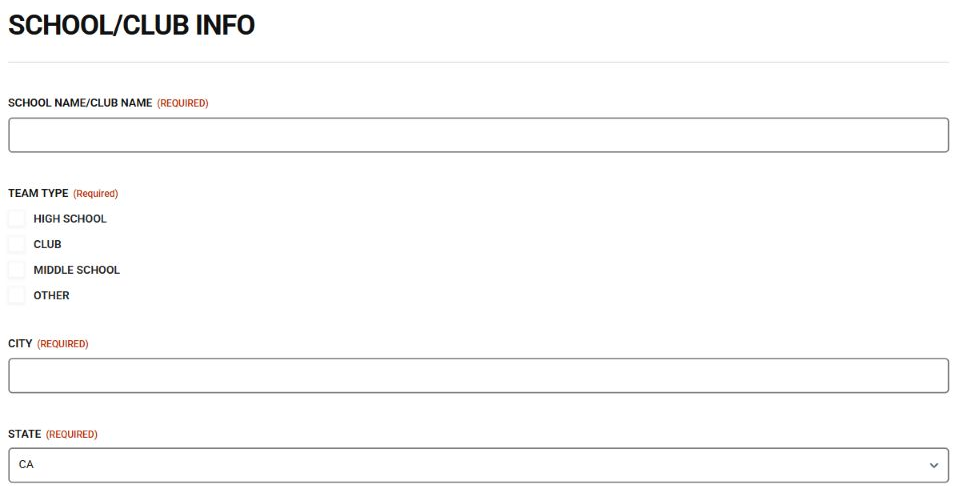
Enter the school or club name, choose the team type, and add the city and state. Then select the participating divisions and enter the total number of wrestlers (at least one).
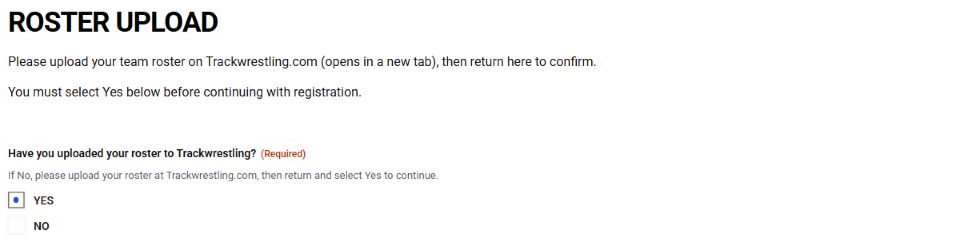
Upload your team roster through Trackwrestling using the link in the form. Return and choose Yes only after uploading. Payment and Submit remain hidden until Yes is selected.
Select your intended payment method and complete the fields that appear. For a check, choose in person or mail and follow the instructions. For a card, complete the card fields. Review all quantities, fees and the total before selecting Submit.
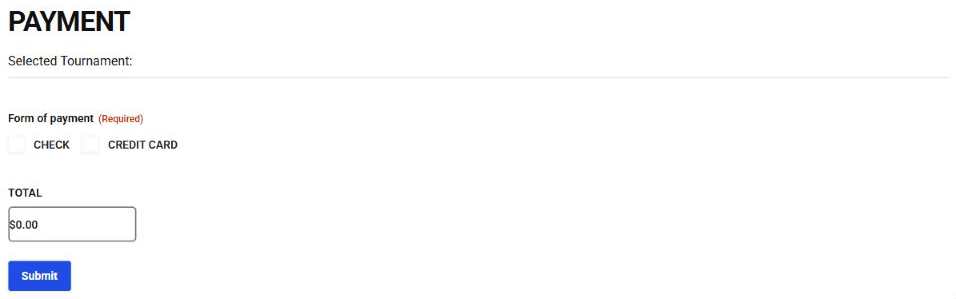
Wait for the on-screen response. If required fields are flagged, correct them and try again. Save the confirmation if one is shown. If the total looks wrong or you are unsure whether submission worked, contact the tournament team before submitting again.
Screenshots show example form states, not a completed registration. Event choices and fees may change; follow the current form. No Forms Center staff username is needed for this registration form.
Need help? info@folsomhighwrestling.com